New: give your customers their own unique booking URL.
Courier companies using Speedy can now share one customer-facing link for instant quotes, guest card bookings and registered customer account access.
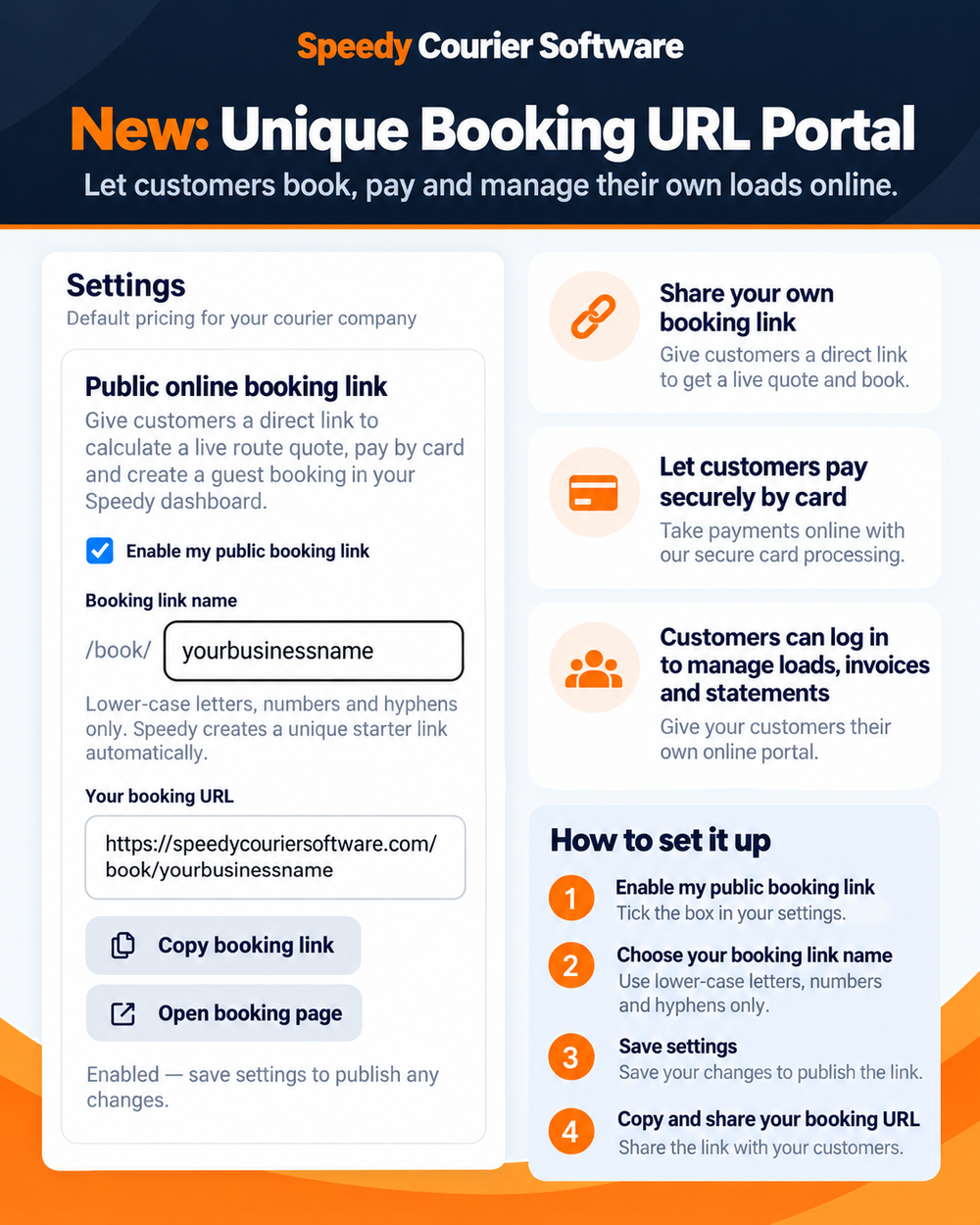
One link you can share with existing and new customers
Every courier company can create a simple Speedy booking address using its own booking-link name. Share it with an existing customer who wants to place work online, add it to your website, include it in an email signature or send it to a new enquiry.
Visitors do not need an account just to get a quote. The public page calculates a live route price from the courier company's tariff and can take a secure card payment for a guest booking.
Registered customers can manage their own loads
The same page now doubles as the customer portal. Account customers can log in and use their agreed pricing, create bookings and see the information linked to their own account.
- Create new account bookings
- View active and completed jobs
- Follow delivery progress and access PODs
- Open invoices and statements
- Contact the courier company directly using its telephone number or email
Independent courier companies spend a lot of time receiving job details by phone, email and message, then re-entering them into an operating system. The new booking URL gives customers a self-service route while keeping the booking connected to the office, driver, POD and billing workflow.
Guest payments and paid invoices
When a guest pays for a booking by card, the paid job appears in the courier company's Guest Bookings area. Speedy creates the paid invoice and keeps the guest transaction separate from registered account customers.
How existing Speedy customers enable it
Open Settings → Public online booking link, enable the feature, choose the booking link name, save the settings and copy the URL. Account customers can then be invited from the Customers screen.